

Know what changed.
See what comes next.
A connected facility is only useful when its signals lead to understanding. Inspect the equipment, follow a sample alert and discover the workflow behind the platform.
Explore the product demo ↓Self-initiated studio example. Fictional platform, readings and workflows.
From equipment
to a decision.
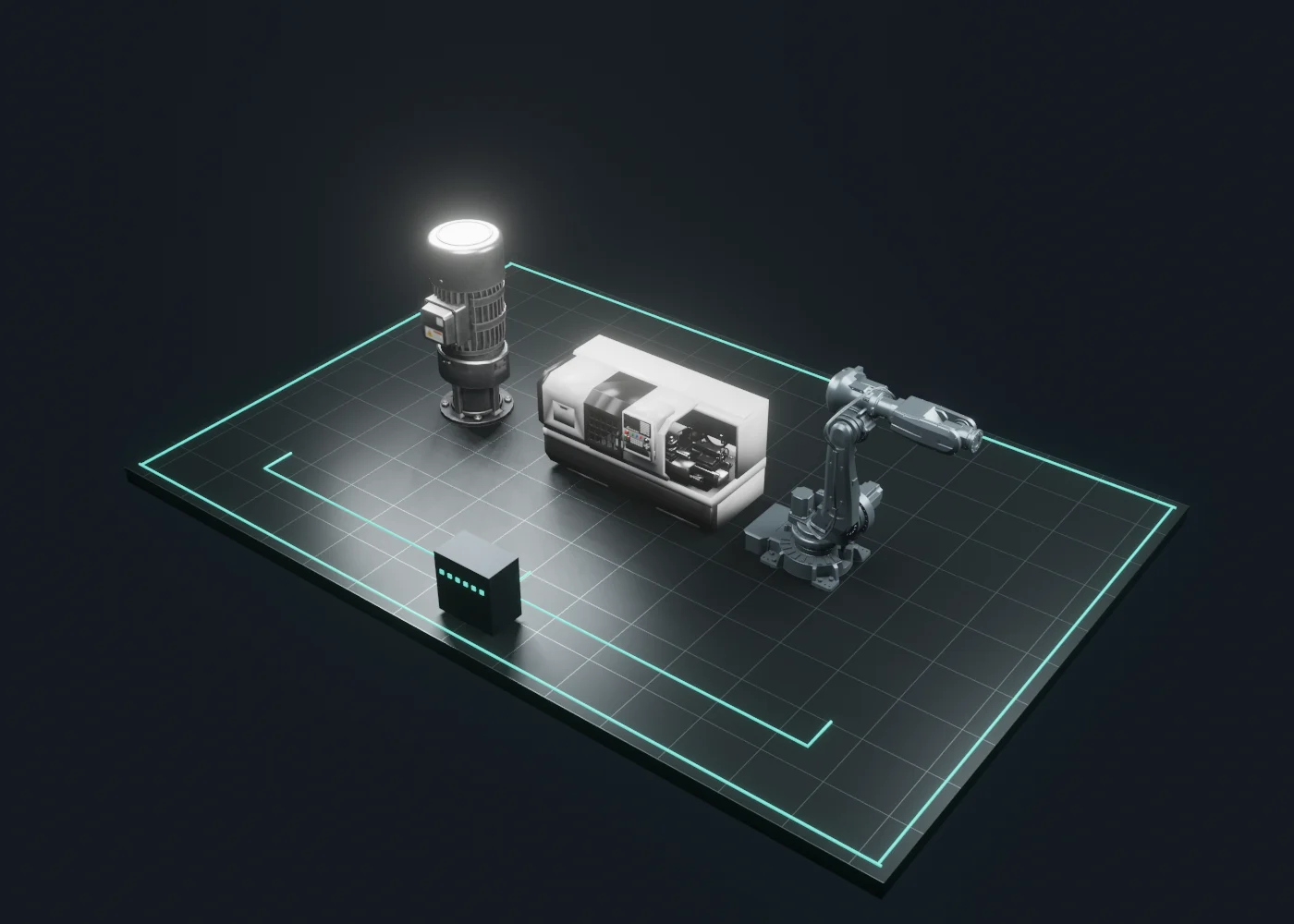
Preparing the equipment view
A signal is a start.
Context makes it useful.
Locate
Identify the equipment behind an event. A spatial view gives the data a physical reference.
Investigate
Bring the sample reading, asset and recent change together. Explain the question a team needs to ask.
Coordinate
Turn the investigation into a proposed next step. A real deployment would connect this to the customer’s approved workflow.
Follow the event.
Leave with a next step.
Choose an asset and use its test above to reveal the sequence here. This shows how an industrial product can connect a spatial view, a trend and an investigation request.
Vibration
Visual values are invented to demonstrate the interface. Real thresholds and units would come from the customer’s approved configuration.
Show the application.
Then explain the platform.
Condition monitoring, manufacturing operations and automation have different questions. This demo changes the equipment, sample event and suggested investigation together so the platform’s relevance is easier to understand.
Which asset needs attention?
Explain condition-monitoring software through an equipment-level example instead of a list of features.
Explore drive motor ↗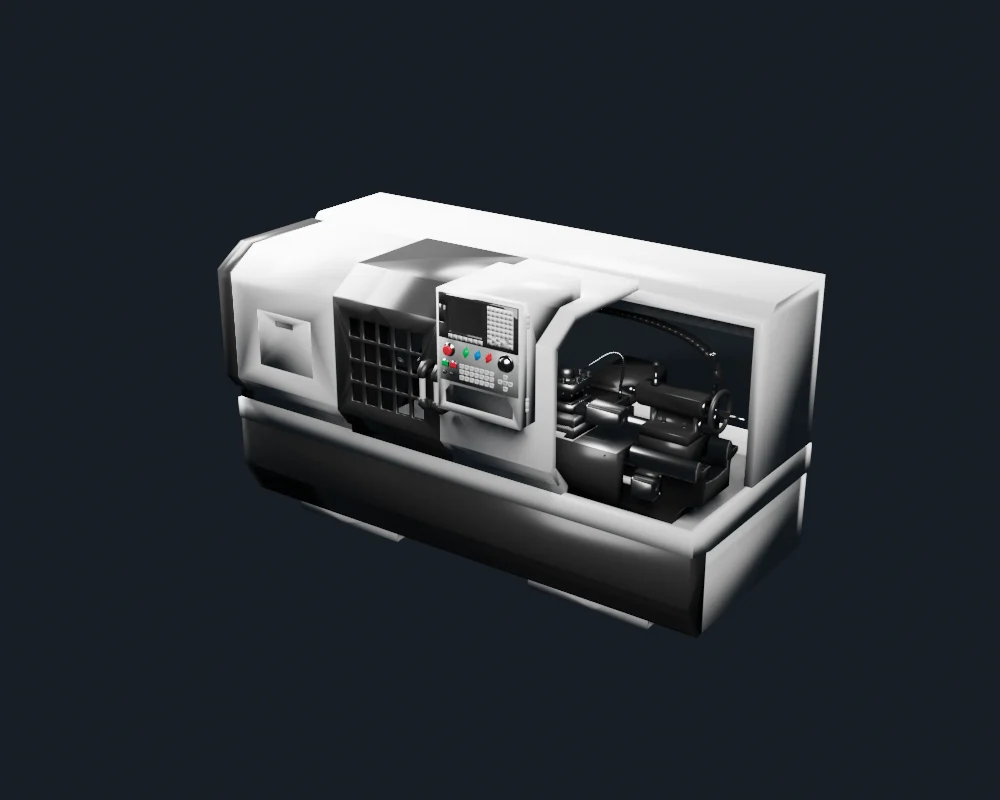
What changed in the process?
Show how a platform brings equipment data and production context into the same conversation.
Explore cnc machining cell ↗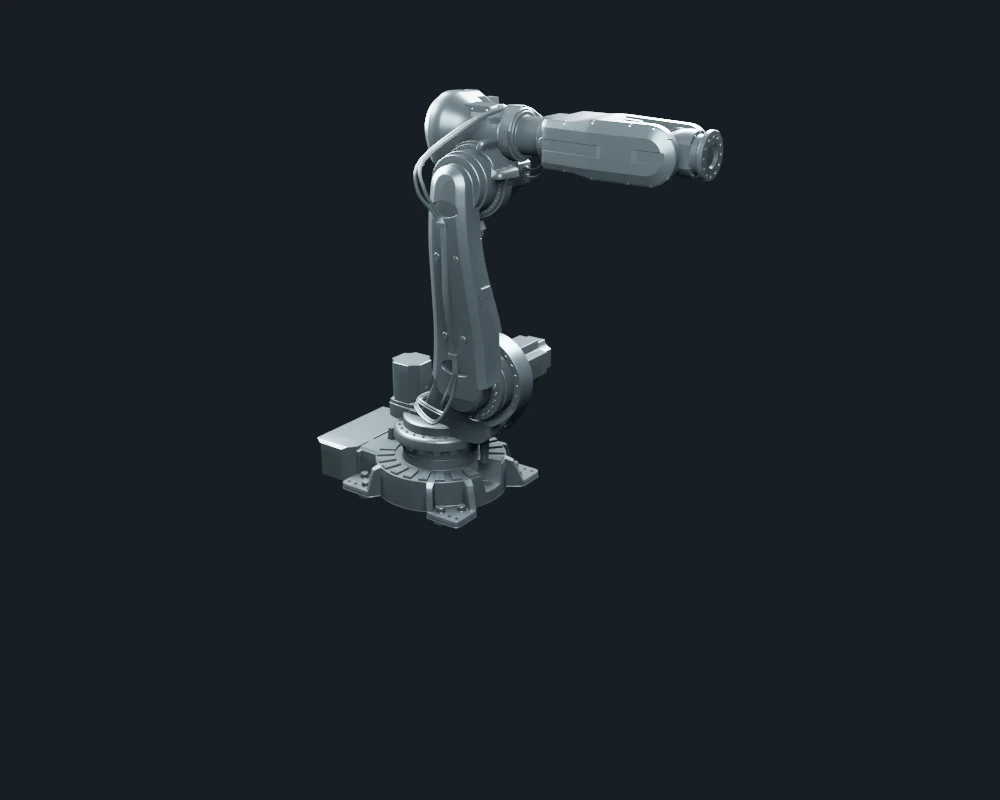
Where is the delay?
Make automation software understandable to operational and commercial stakeholders.
Explore robotic assembly cell ↗Move beyond a feature list.
Show a useful decision.
The buyer needs to see how the product fits their work. A concrete equipment scenario can explain the connection between a platform capability, a user’s question and a proposed next action.
Which equipment should the team investigate?
What the experience makes visible
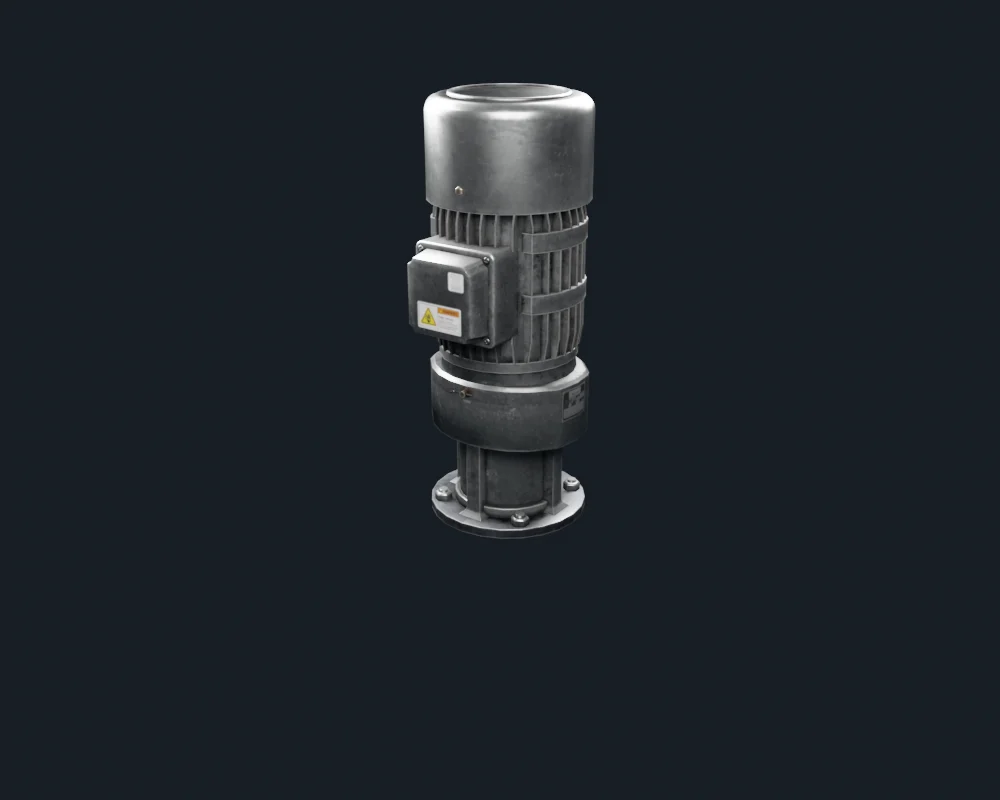
Select the motor and run the fictional vibration event. The view ties the alert to a recognizable asset and introduces the context needed for investigation.
What comes next
Discuss the customer’s asset types, approved limits, data sources and maintenance workflow.
Discuss Your Platform Demo ↗- A buyer-specific demonstration script
- Realistic equipment and spatial context
- A consistent sample workflow and UI
- Use-case context carried into the inquiry
Assess whether buyers can describe the workflow and identify a relevant use case.
Set the business goal and measurement plan before production. This studio example demonstrates the approach; it does not claim client results.
Detailed equipment.
Purposeful interaction.
The facility is an original Blender scene. The motor, CNC lathe and robotic arm are supplied Envato assets, adapted and optimized for the browser. Three.js renders the equipment; GSAP guides the camera as the story moves from a facility overview to the individual assets. The same sample scenarios remain readable without 3D.
Read the sample scenarios without the interactive view
Drive motor
Vibration: 1.8 → 4.6 mm/s. Fictional trigger: 4.0 mm/s.
The sample vibration reading crosses a fictional demo trigger while load remains stable. That gives the team a specific asset to investigate; it does not establish the cause.
Request a condition check of the drive assembly. Compare the reading with the asset history and approved operating limits before choosing maintenance.
CNC machining cell
Spindle temperature: 55 → 76 °C. Fictional trigger: 72 °C.
The fictional temperature trend rises during the current run. The example pairs an alert with the machine and process context so a visitor can see what an investigation would involve.
Review cooling, tooling and the operating log with a qualified operator. This demo suggests a workflow, not a diagnosis or a safe operating threshold.
Robotic assembly cell
Cycle time: 22 → 31 s. Fictional trigger: 28 s.
The sample cycle time increases while the cell remains available. The selected robot anchors the event to a recognizable piece of equipment rather than an anonymous dashboard tile.
Review the sequence, handoff and recent event history with the cell team. Identify the next investigation step before changing the operation.
Make the platform
easier to understand.
Bring the product, the audience and the use case. We’ll discuss an experience that demonstrates the value clearly and gives the next conversation a useful starting point.
Discuss Your Product Demo ↗Explore websites & platforms ↗